Direct Answer: What Are Gate Transaction Records?
Gate transaction records are digital records of what happened when a driver, truck, trailer, visitor, vendor, or shipment entered or exited a facility.
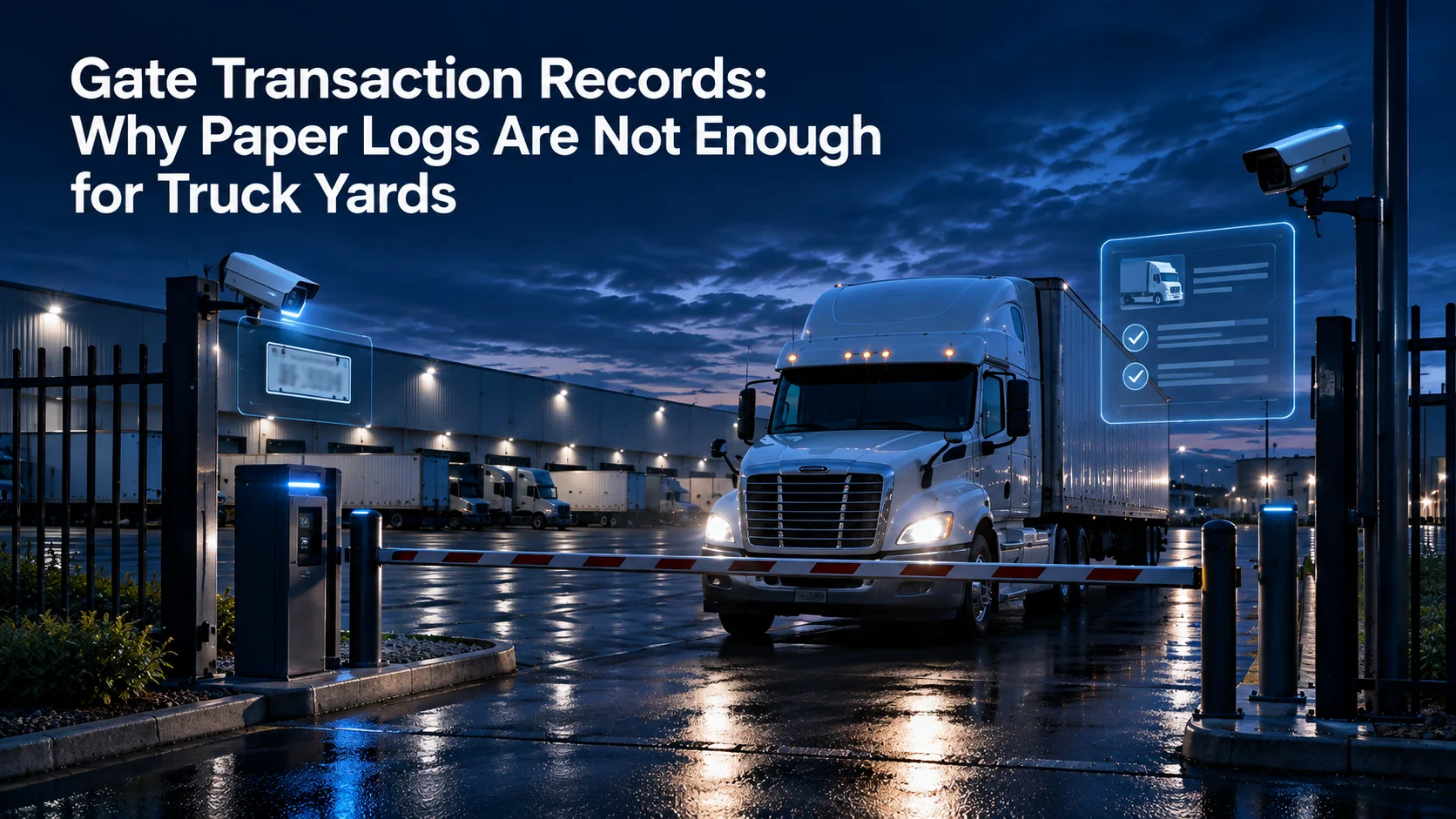
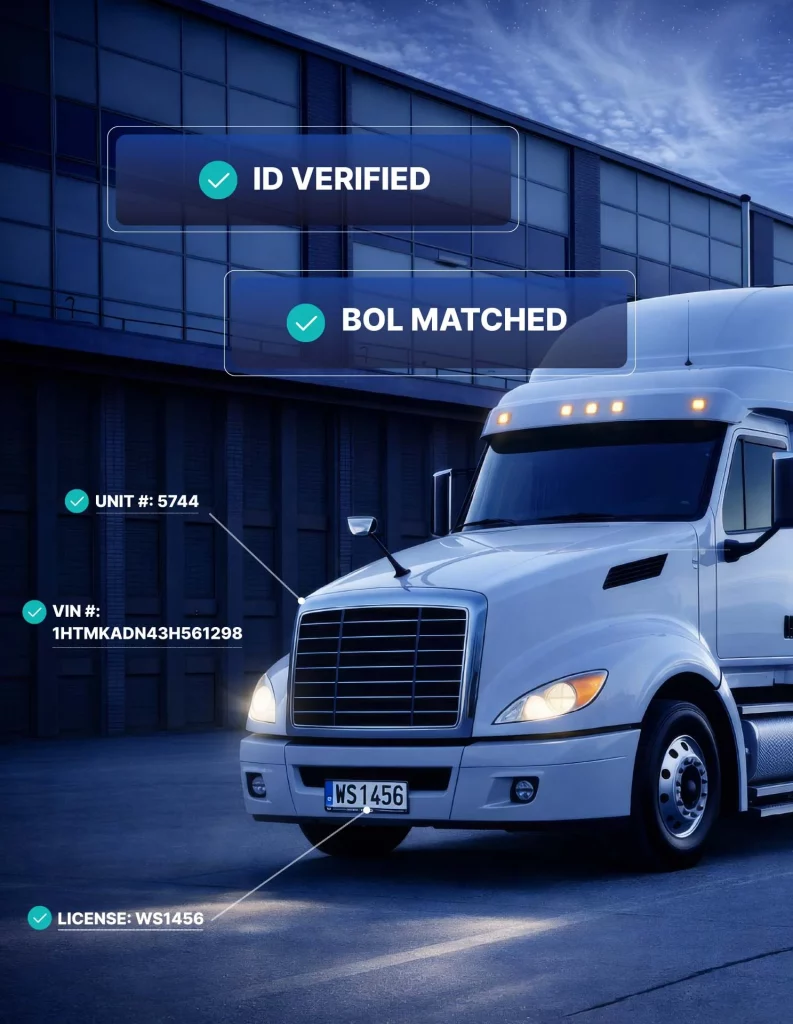
A complete gate transaction record can connect driver verification, carrier information, truck and trailer details, license plates, Bills of Lading, seal checks, timestamps, access decisions, exceptions, video evidence, and operator actions into one searchable event.
For warehouses, distribution centers, logistics yards, manufacturing plants, truck terminals, and industrial facilities, this is significantly more useful than a handwritten guard log.
Paper logs may tell you that a truck arrived.
A digital gate transaction record can tell you who arrived, what equipment was involved, what documents were reviewed, what decision was made, what exceptions occurred, and what happened next.
Birdseye helps facilities create more structured gate records through GATECORE, with related yard and perimeter activity available through YARDCORE, SAFECORE, and The Portal.
For the complete strategy behind this model, read our Complete Guide to Truck Yard Gate Automation.
Quick Comparison: Paper Gate Logs vs. Digital Gate Transaction Records
| Capability | Paper gate log | Digital gate transaction record |
|---|---|---|
| Driver identity | Usually handwritten | Structured and searchable |
| Carrier information | May be abbreviated or incomplete | Connected to the transaction |
| Truck details | Manually entered | Digitally documented |
| Trailer number | Prone to handwriting or entry errors | Connected to driver and shipment record |
| License plate | May be skipped | Captured as part of the workflow |
| BOL | Usually reviewed separately | Can be attached to the transaction |
| Seal check | Often written as a note | Structured status and exception record |
| Timestamp | Manual or approximate | Precise event timestamp |
| Access decision | Often implied | Approved, denied, held, or escalated |
| Video | Stored separately | Can be connected to the event |
| Searchability | Low | High |
| Multi-site reporting | Difficult | Centralized |
| Investigation | Manual reconstruction | Searchable event history |
Why Truck Yard Gate Records Matter
The gate is where several important parts of a logistics operation meet.
- Drivers arrive.
- Carriers request access.
- Trucks and trailers enter and exit.
- Shipment documents are presented.
- Seals are checked.
- Visitors and vendors arrive.
- Exceptions need decisions.
- Freight may leave the property.
Each of those interactions creates information that may matter later. The problem is that many facilities still treat gate records as a simple sign-in sheet.
That approach made more sense when the gate only needed to answer:
“Who came in today?”
Modern facilities need much more.
They may need to answer:
- Who was the driver?
- Which carrier were they representing?
- What truck entered?
- What trailer entered or exited?
- Was the license plate captured?
- What BOL was presented?
- Was the seal verified?
- What time did the vehicle enter?
- What time did it leave?
- Was there an exception?
- Who approved the transaction?
- What happened in the yard afterward?
- Was there related perimeter activity?
A modern truck yard needs an event record, not just a visitor log.
Why Paper Gate Logs Break Down
Paper gate logs are simple. That is also their biggest limitation.
A busy truck yard can process hundreds of repetitive interactions. Every one depends on someone writing the information correctly, consistently, and legibly. That creates several problems.
Handwriting and Data Entry Errors
Trailer numbers, license plates, carrier names, and driver details can be easy to misread. A single incorrect digit in a trailer number may make the record much less useful later. When a customer dispute or cargo investigation occurs days or weeks later, a handwritten number that cannot be read clearly creates uncertainty.
Missing Information
During a busy period, guards may shorten the process. A driver name gets recorded, but not the trailer. The trailer gets recorded, but not the BOL. The seal gets checked, but the seal number is not written down.
An exception is handled by phone, but the reason is never added to the log. The problem usually does not become obvious until someone needs the information later.
Different Shifts Create Different Records
One guard may document every detail. Another may record only the basic information. One shift may consistently check seals. Another may do it differently during a traffic spike. One facility may have an excellent process while another location uses a completely different spreadsheet. Paper-based processes make consistency dependent on individual behavior.
Digital gate transaction records make the process easier to standardize.
Paper Logs Are Difficult to Search
Imagine trying to investigate an event from six weeks ago. The team may need to find:
- The correct guard log.
- The correct date.
- The approximate time.
- The trailer number.
- The camera footage.
- The BOL.
- The seal information.
- The phone call to the site manager.
That information may exist. But if it exists across six different places, the investigation is still difficult. Digital transaction records make it possible to search based on identifiers such as:
- Driver
- Carrier
- Truck
- Trailer
- License plate
- Date
- Time
- Gate
- Shipment reference
- BOL
- Exception type
That difference can turn an hour-long search into a much faster review.
Paper Records Can Create Data Security Problems Too
Moving from paper to digital does not eliminate responsibility for protecting information. But paper records have their own risks. They can be left on desks, lost, photographed, discarded improperly, or accessed by people who do not need them.
The Federal Trade Commission recommends that businesses understand what sensitive information they hold, keep only what they need, protect the information they retain, and create clear retention and disposal practices. Its Protecting Personal Information guide also specifically addresses physical documents as well as electronic records.
For gate operations, that means facilities should think about:
- What driver information is being collected?
- Where is it stored?
- Who can access it?
- How long is it retained?
- How is access controlled?
- When is it deleted?
Digital gate records should improve visibility without turning the gate into an uncontrolled data repository.
What Should a Gate Transaction Record Include?
The exact record will depend on the facility and workflow. But a strong truck gate transaction usually includes several core categories.
Driver Information
The transaction should establish who requested access.
Depending on facility requirements, this may include:
- Driver name
- Carrier affiliation
- Appointment reference
- Pickup or delivery number
- Driver verification status
- Access credentials
Driver verification is especially important because cargo theft schemes can exploit weak pickup and identity processes.
The FBI recommends confirming driver, truck, trailer, and pickup information as part of cargo theft prevention. Facilities can review the FBI’s cargo theft guidance for additional context.
For a deeper breakdown, read our guide to driver verification at warehouse gates.
Carrier Information
The record should identify the carrier associated with the visit.
This becomes especially important when multiple transportation providers, brokers, contractors, or third-party carriers use the same facility.
Carrier information should connect directly to the driver and shipment event rather than existing in a separate handwritten note.
Truck Information
The gate transaction should document the truck involved.
This may include:
- Truck number
- License plate
- Carrier markings
- Vehicle type
- Gate lane
- Entry or exit direction
These details strengthen the physical link between the vehicle and the transaction.
Trailer Information
For many logistics facilities, the trailer is one of the most important pieces of the record.
The transaction may include:
- Trailer number
- Container number
- Chassis number
- Loaded or empty status
- Trailer condition
- Inbound or outbound status
A driver may be verified correctly while still arriving with the wrong trailer.
That is why driver verification and trailer verification should be connected.
Bill of Lading
When the facility requires shipment documentation, the BOL should be tied to the same transaction.
That means the facility does not simply note:
“BOL checked.”
It can capture the actual document or a digital representation of it and connect it with:
- Driver
- Carrier
- Truck
- Trailer
- Timestamp
- Access decision
For more on this workflow, read BOL Capture and Seal Checks: Why Gate Documentation Matters.
Seal Information
Seal checks may include:
- Seal number
- Seal status
- Intact
- Damaged
- Missing
- Mismatch
- Exception reason
The important point is not merely that someone looked at the seal.
The result should be part of the transaction record.
Entry and Exit Timestamps
Every transaction should have reliable timing.
Entry and exit timestamps support more than security.
They can also help operations teams understand:
- Gate processing time
- Vehicle dwell time
- Peak traffic periods
- Recurring bottlenecks
- Late arrivals
- After-hours activity
This turns gate security data into operational data.
Access Decision
A gate transaction should show what actually happened.
For example:
- Approved
- Denied
- Held
- Escalated
- Sent to staging
- Sent for secondary review
- Waiting for site authorization
This is much stronger than a paper log where the fact that the truck entered simply implies approval.
Exception Records
Exceptions are often where the most valuable information lives. A facility should document events such as:
- Wrong trailer
- Missing appointment
- Missing BOL
- Damaged seal
- Seal mismatch
- Unscheduled carrier
- After-hours arrival
- Unknown driver
- Incorrect pickup reference
- Access denied
These records help facilities identify recurring problems. Over time, the data can answer a larger question: Where does our gate process actually break down?
Video-Backed Evidence
Video can add context to the transaction.
Instead of searching an entire camera archive, the facility can connect the relevant gate event with the corresponding video evidence.
This can be useful during:
- Cargo theft investigations
- Customer disputes
- Insurance claims
- Safety reviews
- Access disputes
- Internal investigations
The camera becomes part of the record instead of a separate system that must be searched later.
Operator Actions
If a remote agent or on-site employee handled an exception, that activity should also be recorded.
Examples include:
- Driver contacted
- Site manager called
- Access denied
- Driver instructed to wait
- Additional document requested
- Event escalated
- Gate opened remotely
That creates better accountability.
Why Gate Transaction Records Matter for Cargo Theft Prevention
Cargo theft prevention depends heavily on verification and documentation. A theft does not always begin with someone cutting a fence.
It may begin with:
- The wrong driver.
- The wrong carrier.
- The wrong trailer.
- A fraudulent pickup.
- A mismatched document.
- An access decision made too quickly.
If the gate does not create a complete record, the facility may discover the problem only after the shipment is gone.
A digital gate transaction record gives investigators a clearer timeline:
- Who arrived.
- When they arrived.
- What carrier they represented.
- What truck was used.
- What trailer was involved.
- What documentation was presented.
- What seal was recorded.
- What access decision was made.
- When the vehicle left.
Cargo theft prevention becomes stronger when the gate creates evidence instead of memories.
Why Transaction Records Matter for Automated Truck Check-In
Automated truck check-in should not only automate the front of the process.
It should automate the record behind it. A truck can check in quickly, but if the transaction still ends up in a handwritten log, much of the value is lost.
A strong automated workflow should move information from arrival through verification into the permanent transaction record.
That process may look like:
- Truck arrives.
- Driver is verified.
- Vehicle and trailer are documented.
- BOL is captured.
- Seal is checked.
- Access decision is made.
- Driver receives instructions.
- Transaction is saved.
For a complete walkthrough, read Automated Truck Gate Check-In: How It Works for Logistics Facilities.
Why Gate Transaction Records Matter for Guard Reduction
One reason facilities depend heavily on security guards is because guards are often acting as the entire gate information system.
They verify drivers. They write logs. They call managers. They watch cameras. They remember exceptions. They communicate with drivers.
That creates an enormous dependence on the person sitting in the booth.
The Bureau of Labor Statistics notes that security guards commonly control access, monitor alarms and video systems, patrol property, and write reports.
Digital gate records allow many repetitive documentation tasks to become part of a structured workflow. That means guards or remote operators can focus more on exceptions and decisions rather than writing the same information repeatedly.
This is an important part of reducing guard dependency without reducing oversight. For more on that topic, read Alternatives to Security Guards at Truck Gates.
Why Gate Records Matter After the Truck Enters
The gate transaction does not end the facility timeline.
Once the truck enters, the yard becomes the next operational layer.
The driver may move to:
- A dock
- A trailer row
- A staging lane
- A waiting area
- A scale
- A drop zone
- A restricted area
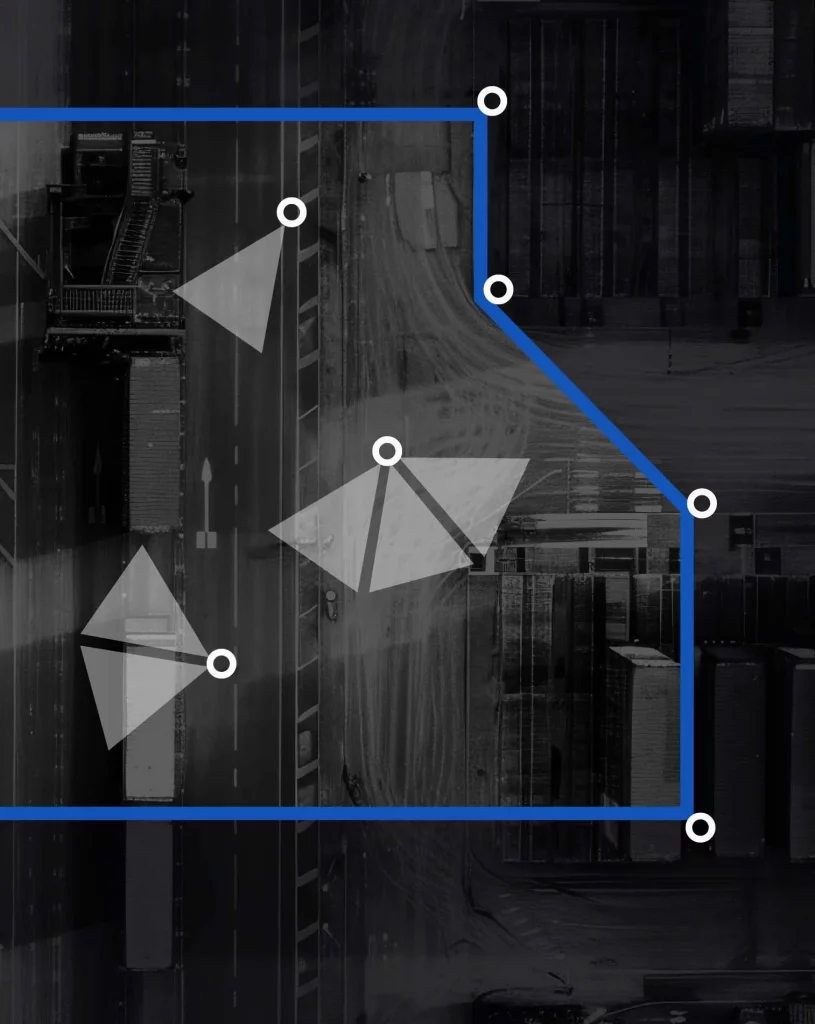
This is where YARDCORE extends the picture beyond the gate.
If a trailer is later moved to the wrong area or a driver enters a restricted zone, the yard event can be understood in the context of the original gate transaction.
That creates a more complete timeline:
Gate entry → yard movement → dock activity → exit.
The more connected these events are, the less the facility has to reconstruct after something goes wrong.
Why Gate Records Matter for Perimeter Events
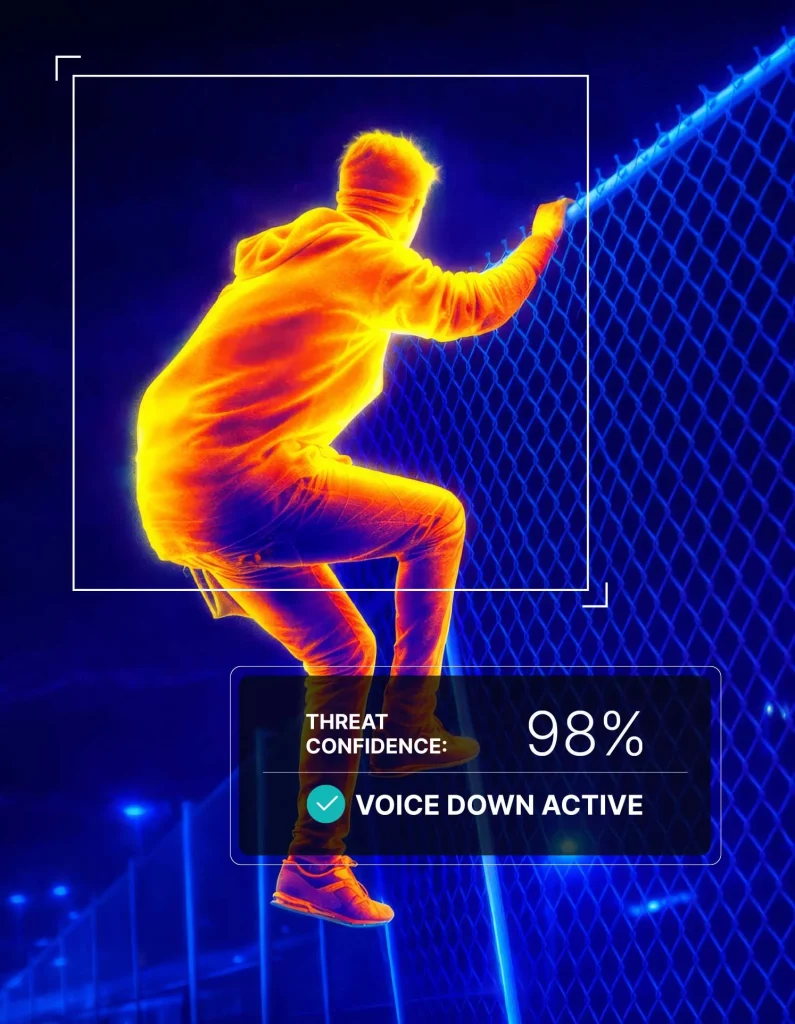
Perimeter alerts also become more useful when they have context. Imagine an after-hours person detection near a trailer row. A standalone camera alert may tell the facility that someone is present.
But connected facility data may also tell the team:
- Which trailers entered recently.
- Which high-value shipments are staged nearby.
- Whether a driver or contractor is expected.
- Whether the person entered through the gate.
- Whether there is an active exception.
SAFECORE helps protect perimeter areas through AI-powered monitoring, human verification, live intervention, escalation, and incident documentation.
Gate records give those perimeter events additional operational context.
The Portal: Turning Gate Logs Into Searchable Operational Intelligence
The Portal helps centralize important facility events rather than leaving them scattered across disconnected systems.
That can include:
- Gate transactions
- Driver verification
- Trailer information
- Shipment documentation
- Seal checks
- Yard events
- Perimeter alerts
- Incident records
For managers, that changes the question from:
“Where is the log?”
to:
“Show me the transaction.”
That distinction matters. A paper log is a record of what someone wrote down. A centralized digital transaction can become a searchable operational history.
Gate Transaction Records and Multi-Site Operations
The value becomes even larger for companies operating multiple facilities.
Without standardization, one site may use: Paper logs.
Another may use: Excel.
Another may use: A guard company’s proprietary system.
Another may keep: BOL photographs in email.
Another may rely on: Camera footage and memory.
That makes enterprise-level reporting extremely difficult. Digital transaction records give multi-site operators a chance to standardize:
- Required fields
- Exception types
- Approval procedures
- Driver verification
- Trailer documentation
- BOL capture
- Seal checks
- Reporting
That creates more consistent facility operations.
Gate Transaction Records Can Reveal Operational Problems
Gate records are not only useful when something goes wrong. They can also show where the gate process itself needs improvement.
For example, facilities can track:
- Average processing time
- Median processing time
- Peak arrival windows
- Number of daily transactions
- Denied access events
- Held transactions
- Missing documentation
- Trailer mismatches
- Seal exceptions
- After-hours activity
- Repeat carrier problems
Those trends can help operations teams identify bottlenecks. Maybe one shift processes trucks more slowly. Maybe a particular carrier consistently arrives without correct paperwork. Maybe trailer mismatches are concentrated during one time window. Maybe after-hours exceptions are increasing.
Once gate activity becomes structured data, the gate becomes measurable. That is a major difference from a paper log.
Digital Records Still Need Strong Data Governance
Digital records are more useful than paper logs, but facilities should not collect data carelessly.
The FTC recommends businesses:
- Know what information they have.
- Keep only what they need.
- Protect what they retain.
- Dispose of unnecessary information properly.
- Prepare for security incidents.
It also recommends limiting access to people who have a legitimate business need and implementing appropriate security controls.
For gate records, facilities should establish policies around:
- Retention
- Permissions
- User roles
- Audit access
- Authentication
- Sensitive driver information
- Document storage
- Deletion
Better visibility should come with better governance.
What Should Facilities Stop Recording on Paper?
Not every handwritten note needs to disappear immediately.
But information that is important to security, operations, or investigations should move toward structured digital records.
High-priority examples include:
- Driver verification
- Carrier information
- Trailer numbers
- License plates
- BOL records
- Seal status
- Entry and exit timestamps
- Access decisions
- Denied access
- Gate exceptions
- Escalations
- Incident notes
The more important the information is later, the less sense it makes to rely on handwritten documentation.
Common Gate Record Mistakes
Mistake 1: Digitizing the Clipboard Instead of the Process
Replacing a piece of paper with an online form is not enough.If the workflow is still inconsistent, the facility simply has a digital version of the same bad process.The system should define what information is required and how exceptions are handled.
Mistake 2: Capturing Too Little Information
A record that says: “ABC Trucking — 2:14 PM” is still weak. The transaction should contain enough detail to make it useful later.
Mistake 3: Capturing Too Much Unnecessary Information
More data is not always better.Do not collect sensitive information simply because the technology allows it.Collect information that supports legitimate security and operational purposes and manage it responsibly.
Mistake 4: Keeping Video Separate
If teams have to manually search hours of footage every time they review a transaction, the systems are still disconnected. Gate events and relevant video should be easy to correlate.
Mistake 5: Ignoring Exit Transactions
Many facilities document inbound activity more carefully than outbound activity. That is a mistake. The moment freight leaves the property may be one of the most important gate events to document.
Mistake 6: Failing to Track Exceptions
Routine traffic tells you how the facility operates normally. Exceptions tell you where the risk is. Do not bury exceptions inside free-text notes. Structure them so they can be analyzed later.
What Should You Measure With Digital Gate Records?
Useful metrics include:
- Total gate transactions
- Inbound transactions
- Outbound transactions
- Average processing time
- Median processing time
- Peak-hour processing time
- Verified driver rate
- Documentation completion rate
- BOL capture rate
- Seal check completion rate
- Trailer mismatch rate
- Denied access events
- Held transactions
- After-hours arrivals
- Exception rate
- Average exception resolution time
- Guard or operator interventions
- Exit documentation completeness
These metrics give leadership a much better understanding of gate performance.
How GATECORE Creates Better Gate Transaction Records
GATECORE helps Birdseye customers structure the gate around verified transactions instead of loose interactions.
The system supports workflows around:
- Driver verification
- Carrier confirmation
- Vehicle and trailer logging
- License plate capture
- BOL documentation
- Seal checks
- Access approval
- Exception handling
- Remote gate supervision
- Transaction records
Instead of asking guards to remember every detail, the workflow helps make important information part of the transaction.The result is better documentation and more consistent gate operations.
How YARDCORE, SAFECORE, and The Portal Complete the Record
Gate activity does not exist in isolation.
YARDCORE helps extend visibility after the vehicle enters.
SAFECORE helps provide context around perimeter activity and unexpected access.
The Portal brings gate, yard, perimeter, and incident records together for review.
Together, those layers help facilities move beyond:
“A truck entered.”
Toward:
“Here is the complete operational record of what happened.”
Signs Your Facility Has Outgrown Paper Gate Logs
Your facility may have outgrown paper logs if:
- You process large numbers of trucks every day.
- Managers frequently search old guard logs.
- Trailer numbers are difficult to read.
- Gate procedures vary by shift.
- BOLs are stored separately from gate records.
- Seal checks are not consistently documented.
- Video footage is difficult to match with gate events.
- Customer disputes take hours to investigate.
- Gate exceptions are handled by phone.
- Multiple sites use different processes.
- Security leadership lacks consolidated reporting.
- You cannot easily calculate gate processing time.
- You do not know your most common gate exceptions.
If several of these sound familiar, the problem is no longer the clipboard.
It is the gate information architecture.
Questions to Ask Before Replacing Paper Gate Logs
Before choosing a digital gate system, ask:
- What information must every transaction contain?
- Can drivers be verified consistently?
- Can trucks and trailers be connected to one record?
- Can BOLs be attached?
- Can seal status be documented?
- Are inbound and outbound transactions covered?
- Can exceptions be categorized?
- Can video be associated with transactions?
- Can managers search by driver, trailer, plate, or date?
- Can data be viewed across multiple facilities?
- Are access permissions controlled?
- Can retention rules be configured?
- Can the gate record connect to yard and perimeter activity?
A digital system should solve these operational questions, not merely eliminate handwriting.
Final Takeaway: A Gate Log Should Be More Than a List of Trucks
Paper gate logs were built for a simpler version of facility security. Modern truck yards need more. They need to verify drivers. They need to document carriers, trucks, and trailers. They need to capture shipment documentation. They need to record seals. They need to handle exceptions consistently. They need to connect access decisions with video. They need to understand what happened after entry. And they need to find that information quickly when someone asks. A gate log records traffic. A gate transaction record creates operational visibility.
Birdseye helps facilities make that transition through GATECORE, YARDCORE, SAFECORE, The Portal, AI-powered monitoring, and trained human verification. If your team still has to flip through a binder to understand what happened at the gate, it may be time to build a better record.
FAQs About Gate Transaction Records
What is a gate transaction record?
A gate transaction record is a digital record of an entry or exit event that may include the driver, carrier, truck, trailer, license plate, shipment documents, seal status, timestamps, access decision, exceptions, video evidence, and operator actions.
Are digital gate logs better than paper logs?
For busy logistics facilities, digital gate records are generally easier to standardize, search, analyze, and connect to other facility activity than handwritten logs.
What should a truck gate log include?
A truck gate record should include driver and carrier information, truck and trailer details, license plate, timestamps, access status, relevant shipment documentation, seal checks, and exceptions when required.
Why are paper gate logs a problem?
Paper logs can contain handwriting errors, missing information, inconsistent procedures, and records that are difficult to search or connect to camera footage and shipment documents.
Do gate transaction records help with cargo theft prevention?
Yes. Better transaction records help facilities verify and reconstruct driver, carrier, truck, trailer, document, seal, entry, and exit activity when a shipment is questioned.
Can gate transaction records help reduce guard workload?
Yes. Structured digital workflows can reduce repetitive manual logging and allow guards or remote agents to focus more attention on verification, exceptions, and response.
How does GATECORE help create gate transaction records?
GATECORE supports driver verification, vehicle and trailer logging, license plate capture, BOL documentation, seal checks, access workflows, exception handling, and gate transaction records.
What is The Portal used for?
The Portal helps centralize gate transactions, yard events, perimeter alerts, incident records, and operational activity so teams can search and review important facility events from one place.