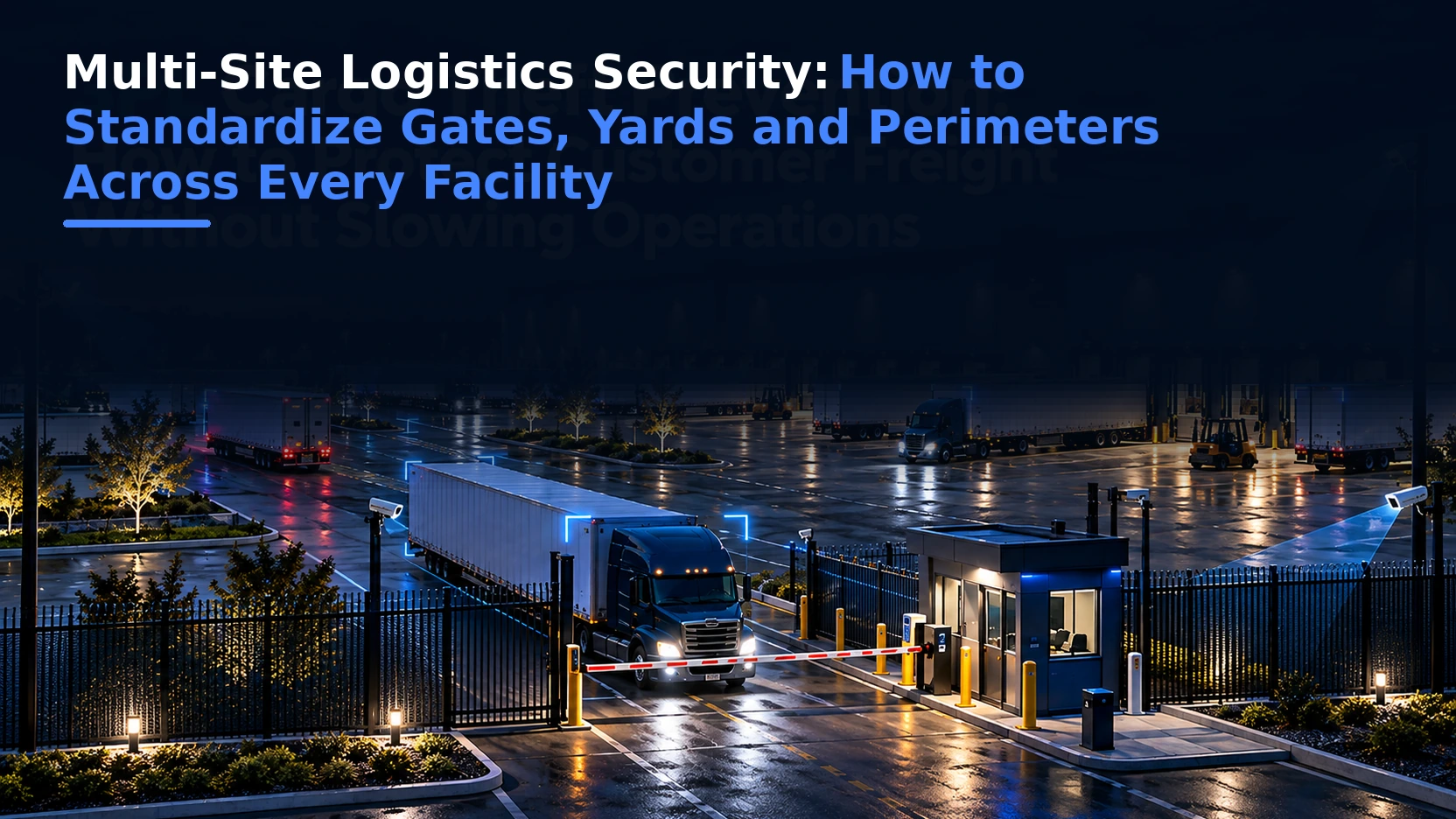
A logistics company can have strong security at one site and weak security at another without realizing it. One facility may verify every driver and trailer. Another may rely on a handwritten guard log. One yard may have clear perimeter coverage. Another may have blind spots, inconsistent lighting, and no documented after-hours response.
Multi-site logistics security is the process of applying consistent security standards, workflows, reporting, and accountability across a network of warehouses, distribution centers, terminals, yards, and manufacturing facilities.
The goal is not to make every site physically identical. The goal is to make the security outcome consistent.
Quick Answer: How Do You Standardize Security Across Multiple Logistics Facilities?
Start with a common operating standard for gate verification, yard monitoring, perimeter protection, exception handling, incident documentation, and reporting. Then allow site-specific variations only where the physical layout, customer requirements, or local operations genuinely require them.
| Security Layer | What Should Be Standardized | What May Vary by Site |
|---|---|---|
| Gate | Required verification fields, exception types, approval rules | Number of lanes, kiosk placement, customer protocols |
| Yard | Restricted-zone rules, trailer monitoring, incident categories | Yard layout, staging zones, traffic flow |
| Perimeter | Detection expectations, escalation, response | Fence length, camera placement, lighting |
| Reporting | KPI definitions, event taxonomy, review cadence | Local operational notes |
| Governance | Roles, approval levels, audit requirements | Local management contacts |
Why Multi-Site Security Becomes Inconsistent
Security inconsistency usually develops gradually. A new site is acquired. A local manager keeps an existing guard vendor. One customer requires a special gate procedure.A facility adds cameras during an incident response.
Another location adopts a spreadsheet to track trailers. Over time, the company no longer has one security program. It has a collection of local practices.
The risk is not only that one facility is weaker. It is that leadership cannot reliably compare sites or understand where the weakest controls exist.
Why Standardization Matters More as Cargo Theft Becomes More Organized
The FBI and cargo-theft intelligence providers continue to warn that organized criminal groups use a mix of physical theft, identity fraud, account compromise, fictitious pickups, and shipment misdirection.
Review the FBI’s cargo theft guidance and the 2026 warning on rising logistics-sector cargo theft threats.
When threat actors can move across regions, carriers, and customers, a fragmented facility-security model becomes easier to exploit.
A criminal group should not encounter strict driver verification in Texas and a paper sign-in sheet at the same company’s facility in another state.
1. Define a Minimum Gate Security Standard
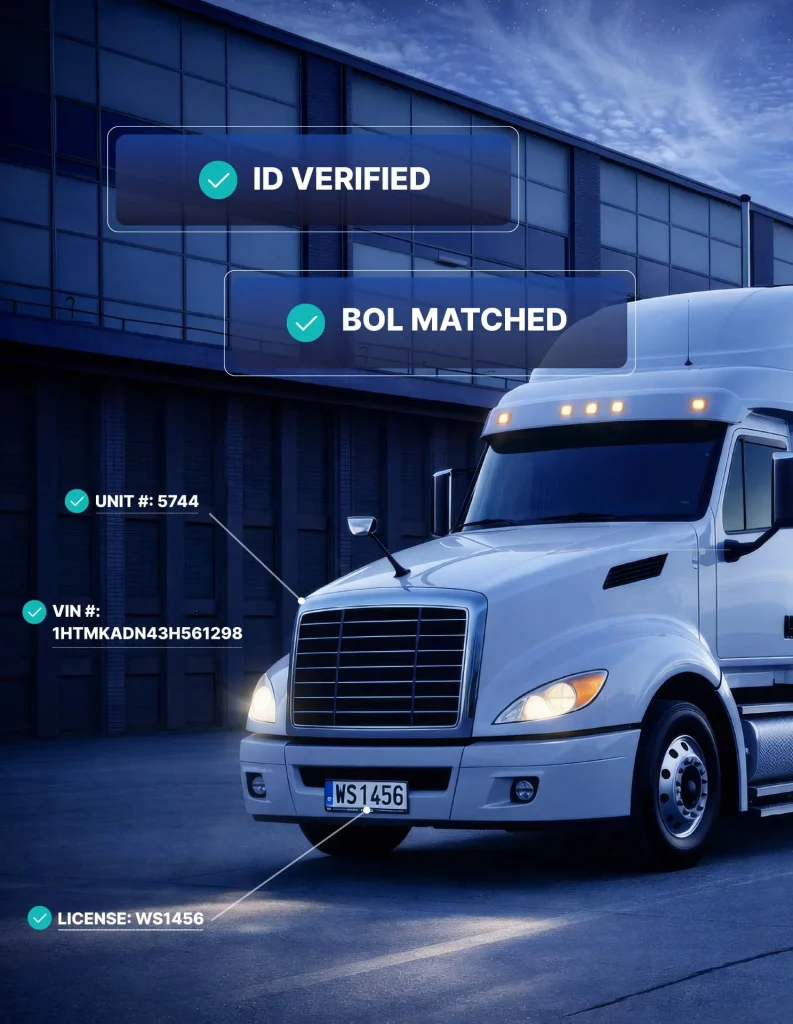
Every site should have a baseline for what must be verified before access or release.
The standard may include:
- driver identity;
- carrier;
- truck number;
- trailer number;
- license plate;
- appointment or pickup reference;
- BOL where applicable;
- seal information where applicable;
- access decision;
- entry and exit timestamps;
- and exception documentation.
Some customer workflows will require more information. But the enterprise baseline should define the minimum that no site is allowed to skip. Read our Complete Guide to Truck Yard Gate Automation.
2. Standardize Gate Exceptions
Two sites should not use different definitions for the same problem. If “trailer mismatch” means one thing at Site A and something else at Site B, enterprise reporting becomes unreliable.
Create a shared exception taxonomy such as:
- driver mismatch;
- carrier mismatch;
- truck mismatch;
- trailer mismatch;
- missing appointment;
- BOL discrepancy;
- seal exception;
- after-hours arrival;
- unauthorized visitor;
- destination change;
- and access denied.
Then define who can approve each type and when escalation is mandatory.
See our guide to gate exception management.
3. Create a Common Yard Security Model
Yard layouts will differ, but security expectations can still be standardized.
Every facility should know:
- which zones are restricted;
- where loaded trailers may be staged;
- how after-hours movement is handled;
- which events require review;
- how unexpected trailer movement is documented;
- and who responds to suspicious activity.
Sites with larger yards may need more cameras or different coverage patterns, but the expected outcome should remain consistent.
4. Standardize Perimeter Expectations
Perimeter security is often difficult to compare because the physical properties vary so much. Instead of standardizing camera count, standardize performance expectations.
For example:
- critical fence lines should be visible at night;
- known blind spots should have compensating controls;
- perimeter alerts should be verified;
- high-risk zones should have documented response procedures;
- and unresolved camera outages should be tracked.
Standardize the security outcome, not the number of devices.

5. Use the Same Incident Categories Across the Network
Leadership cannot compare five facilities if each site describes incidents differently. One site may record “suspicious person.” Another may call the same event “perimeter issue.” A third may not record it unless police are called.
Create a common event taxonomy covering:
- perimeter intrusion;
- unauthorized access;
- driver verification failure;
- cargo-related exception;
- trailer movement anomaly;
- safety event;
- property damage;
- theft attempt;
- confirmed theft;
- and law-enforcement response.
This improves enterprise reporting and trend analysis.
6. Centralize Reporting Without Removing Local Context
Centralization does not mean headquarters should control every gate decision. Local teams understand site-specific operations, customers, and exceptions. The better model is:
central standards + local operating context + shared reporting.
Enterprise leaders should be able to compare sites without forcing each location into an unrealistic identical workflow.
7. Define Enterprise Security KPIs
Common metrics allow leadership to identify outliers.
Useful KPIs include:
- gate processing time;
- exception rate;
- driver mismatch rate;
- trailer mismatch rate;
- denied access events;
- after-hours transactions;
- perimeter alert volume;
- verified threat rate;
- average response time;
- camera availability;
- incident closure time;
- and security cost per facility or transaction.
The purpose is not to rank sites for punishment. The purpose is to find where processes, equipment, or training need attention.
8. Audit the Same Questions Everywhere
A standard audit is one of the fastest ways to expose differences between facilities.
The same audit questions should be used at every location:
- Can the site verify who enters and exits?
- Are gate transactions searchable?
- Are driver and trailer mismatches documented?
- Are loaded trailers visible after hours?
- Are fence lines clear?
- Are important areas covered at night?
- Can suspicious events trigger live response?
- Are camera outages tracked?
- Are security exceptions reviewed monthly?
- Are local protocols documented?
See our truck yard security audit checklist.
9. Standardize Roles and Approval Authority
Different sites may use guards, supervisors, remote agents, operations staff, or security managers. What should be consistent is the authority structure.
Define:
- who can approve a routine exception;
- who can override a denied transaction;
- who is contacted after hours;
- who can request video or transaction records;
- who owns incident closure;
- and who reviews repeated exceptions.
Ambiguous authority leads to inconsistent decisions.
10. Build Site-Specific Layers on Top of the Enterprise Standard
Some facilities need additional controls. A food distribution center may have different delivery patterns from an automotive yard. A high-value electronics site may require tighter outbound verification.
A 3PL may need customer-specific rules. An LTL terminal may have much higher trailer movement. The enterprise standard should be a minimum baseline, not a ceiling. Local requirements can be layered on without changing the core definitions used across the network.
What Multi-Site Security Should Not Look Like
Warning signs include:
- every site uses a different guard log;
- incident reports cannot be compared;
- camera naming conventions differ everywhere;
- headquarters cannot see which sites have recurring gate exceptions;
- each facility negotiates its own response procedures;
- security data lives in separate vendor portals;
- and there is no enterprise owner for security standards.
If leadership needs to call each site individually to understand what happened last month, the network is not truly centralized.
How to Roll Out Standardization Without Breaking Operations
Do not replace every local process at once. A phased approach works better.
Phase 1: Baseline
Document existing gate, yard, perimeter, incident, and reporting workflows at every site.
Phase 2: Define Minimum Standards
Create common definitions, required fields, exception categories, approval rules, and KPIs.
Phase 3: Pilot
Implement the standard at one or two representative facilities and identify where local realities require adjustment.
Phase 4: Roll Out
Deploy by region or facility type, preserving site-specific rules where justified.
Phase 5: Review
Compare performance, exception rates, incidents, and response times across the network.
How Birdseye Supports Multi-Site Security
Birdseye connects gate, yard, and perimeter operations across facilities.
GATECORE can support standardized verification and gate workflows.
YARDCORE provides visibility into yard activity.
SAFECORE supports AI-powered monitoring, human verification, and live intervention.
The Portal helps centralize event records and reporting across locations.
This allows enterprise standards to coexist with site-specific operating protocols.
Questions Executives Should Ask About Multi-Site Security
Can we compare gate performance across all facilities? Do all sites use the same definition of a security exception? Can headquarters see repeated carrier, trailer, or driver issues across the network? Do we know which facilities have the highest after-hours risk?
Can we identify sites with the longest response times? Are security costs measured consistently? Can we prove what happened at a facility without calling the local manager? If the answer to several of these is no, the organization may have good local security but weak enterprise visibility.
Multi-Site Security Standardization Checklist
- Define minimum gate verification requirements.
- Create common exception categories.
- Standardize incident types.
- Set enterprise KPIs.
- Document approval authority.
- Create after-hours escalation standards.
- Audit every site using the same framework.
- Preserve site-specific requirements where necessary.
- Centralize reporting.
- Review recurring outliers quarterly.
Vendor Consolidation vs. Security Standardization
Organizations often assume standardization means choosing one hardware vendor or one guard company for every location.
That can simplify procurement, but it is not the same thing as creating a consistent security program.
A company can use one vendor across twenty sites and still have twenty different operating practices if local procedures, exception handling, reporting, and escalation rules are not aligned.
Conversely, a network may have some unavoidable technology differences because of acquisitions, landlord requirements, legacy infrastructure, or customer contracts while still maintaining consistent control objectives and reporting.
Standardize the operating model first. Consolidate vendors where it improves cost, support, interoperability, or visibility.
Use Benchmarking to Find Sites That Need Attention
Once common KPIs are in place, leadership can compare sites fairly.
Benchmarking can reveal a facility with unusually long gate processing times, a location with a high percentage of after-hours exceptions, or a yard that generates far more perimeter alerts than comparable sites.
The first question should not be “Who is performing badly?”
It should be “Why is this site different?”
The cause may be poor data quality, a unique customer mix, outdated equipment, local staffing issues, weak lighting, a different trailer pattern, or a process that is creating unnecessary exceptions.
Benchmarking is most useful when it helps security and operations teams identify the root cause and improve the system.
Change Management Matters
Security standardization can fail if local teams feel that headquarters is replacing practical workflows with abstract policy.
Before rollout, involve site managers, gate operators, security leaders, and operations teams in the design. Ask what exceptions occur most often, which customer rules are genuinely unique, where delays happen, and which current controls are valuable.
Then explain which parts of the new standard are mandatory and which can be adapted locally.
A standard is more likely to survive when the people using it understand why it exists and can see that it reflects real operating conditions.
Frequently Asked Questions
What is multi-site logistics security?
It is the use of consistent security standards, processes, reporting, and governance across multiple logistics facilities while allowing justified site-specific differences.
Should every facility use the exact same security equipment?
No. Physical layouts and risks differ. The organization should standardize required outcomes, processes, event definitions, and reporting rather than forcing identical hardware everywhere.
What should be standardized first?
Start with gate verification requirements, exception categories, incident definitions, approval authority, and enterprise KPIs.
How can companies compare security performance across sites?
Use common metrics and event definitions, then centralize reporting so leadership can identify outliers and recurring patterns.
Can local sites keep customer-specific security procedures?
Yes. Customer or facility-specific rules can sit on top of a shared enterprise baseline as long as core definitions and reporting remain consistent.
Final Takeaway
Multi-site security becomes difficult when every facility solves the same problems differently.
Standardization does not require identical buildings, cameras, or gate layouts.
It requires a common security language: the same minimum controls, the same exception definitions, the same approval logic, and the same reporting framework.